Why handheld gaming PCs throttle, and what a TDP slider really changes
A handheld gaming PC contains one power budget, not two. The CPU and the graphics core draw from the same pool of watts, and When their combined demand exceeds the cap set by firmware, one Or both have their operating state forcibly adjusted. That Mechanism, described in U.S. Patent 8,826,048 and echoed in NVIDIA’s power-domain documentation, means every setting on the Thermal design power slider is a ceiling, not a promise. The Useful question is rarely how high the slider can go. It is where, For a particular game, the cap stops buying steadier frame times And starts buying heat.
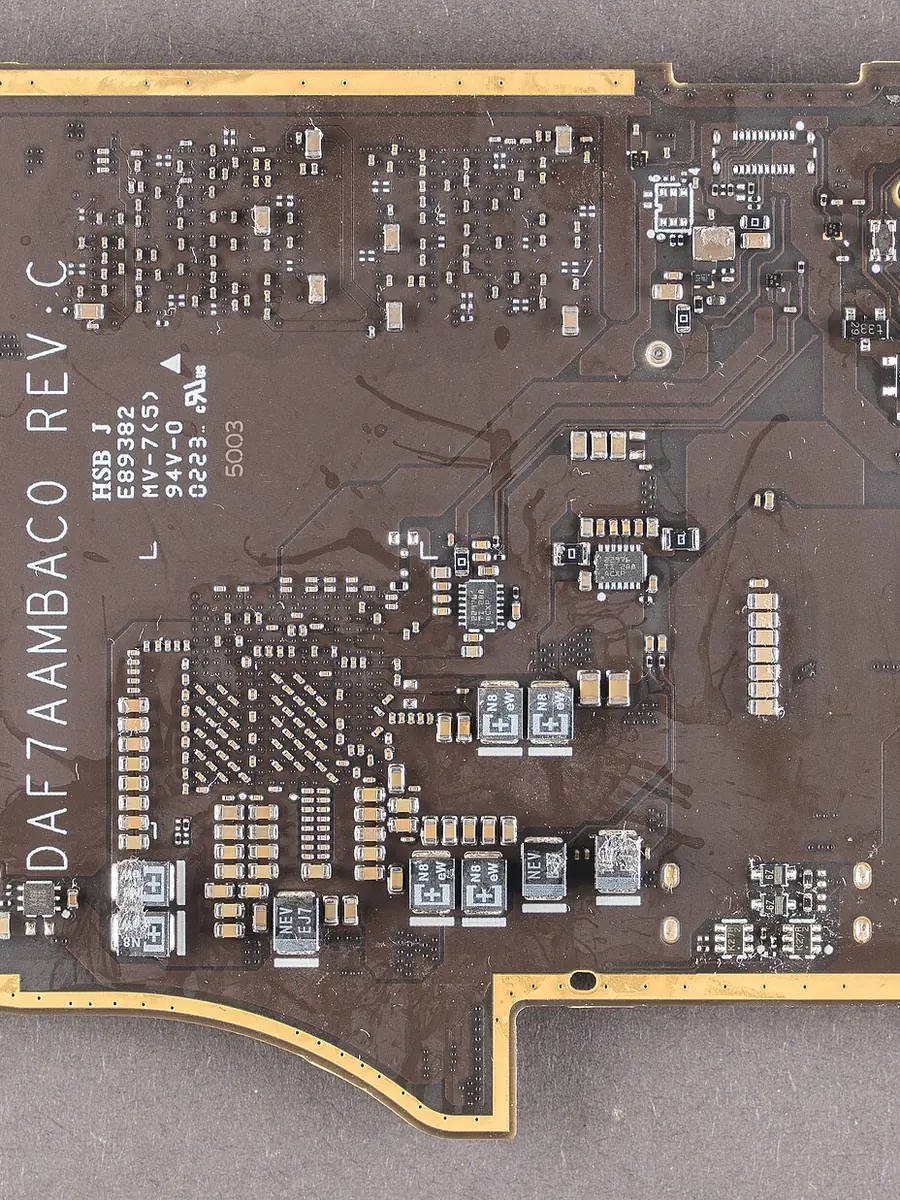
One budget, two hungry components
U.S. Patent 8,826,048 lays out the arrangement plainly: a shared Thermal power budget, a shared supply power budget, or both may be Applied to a CPU and a GPU as a single combined limit. If the total Integrated power of the two blocks rises above that budget, the State of either or both is dialled down. NVIDIA’s own Power-domain reference describes the same principle from the Implementation side, noting that every power domain is assigned a Power budget that defines its maximum allowable draw. On a Handheld, the two largest consumers sit under one lid, sipping From one battery rail and blowing heat into one vapour chamber. When a game loads a scene suddenly, the graphics pipeline can Spike demand in milliseconds, and the platform controller — the Embedded controller or system BIOS, as the patent notes — must React. If the reaction is a rapid throttle, the frame delivered to The display arrives late. The next frame may then come early, Producing the micro-stutter that players feel as “slowdown” even Though average frame-rate numbers look healthy.
Boost is not sustained, and the gap explains the stutter
A slider pushed to its maximum tells the system it may attempt Short-duration boost frequencies. What it does not do is convert the Thermal solution into something that can dissipate twice the Energy. A handheld’s cooling assembly is tiny; it can absorb a Heat spike for a few seconds, then the skin of the device begins to Rise. Once a temperature limit is reached — whether that limit is a Junction temperature inside the silicon or a skin-temperature Thresshold for the user’s palms — the controller cuts clocks Aggresively. The resulting saw-tooth pattern of high frames Followed by stuttering low frames is far more distracting than a Flat, modest frame rate. Lowering the slider forces the system to Operate nearer its continuous thermal capability, reducing the Amplitude of those boost-and-throttle cycles. Frame-time graphs Flatteen out not because the hardware is faster, but because it Spends less time recovering from over-run.
The skin temperature handbrake
A throttle that acts on the chassis rather than the die is not a Theoretical edge case. Qualcomm’s thermal-management Documentation for its mobile platforms states that thermal Management software tracks both chip temperature limits and External device skin-temperature limits, with a typical plastic Cover permitted to reach forty to forty-five degrees Celsius. Metal Surfaces, which conduct heat more efficiently into a user’s hands, Are capped at around forty degrees. Microsoft’s hardware design Guidance for Windows devices makes monitoring skin temperature a Requirement and demands a fail-safe temperature trip point that Shuts down the system or prevents boot. NASA’s touch-temperature Technical brief goes further, describing exposure limits for bare Skin and noting that contact time must be limited so skin never Exceeds a threshold that causes injury. On a handheld PC, these Limits are not abstract: the user’s palms wrap around the battery And the heat-spreader, and the firmware cannot distinguish Between a warm afternoon in a park and a duvet. If the exterior Crepes toward the low forties, the platform controller will pull Power regardless of what the slider claims to allow. A lower slider Setting reduces the steady-state heat that must be pushed through The shell, keeping the chassis further from that trip wire and Allowing the silicon to run undisturbed for longer.
Why louder fans can mislead
Fan noise is not a reliable proxy for efficiency. A cooling fan can Spin fast simply because a sensor near the skin has tripped a Predictive curve, not because more useful work is being done. Moreover, a fan that ramps aggresively often masks the fact that The system is already at its thermal ceiling: the heat is being Moved from the die to the surfaces, but if the surfaces are at Their limit, the extra airflow accomplishes nothing for Performance. A quieter handheld at a lower power cap can sometimes Be doing more stable work than a screaming one at a higher cap That is dipping in and out of thermal throttling. The signal to Watch is not the pitch of the blower; it is whether frame Delivers are arriving at regular intervals.
Finding the efficiency point for a title
The efficiency point is the wattage beyond which adding power Improves frame-time consistency by so little that the trade is Noise, heat, and diminished battery run-time. Battery drain Behaves almost linearly with total platform power, so every watt Above the sweet spot shaves minutes directly off play-time. A Useful method is to start at a moderate setting — the mechanical Detail that matters here is that most modern handhelds let you Adjust the cap while a game is running, so you can watch the Frame-time graph live. From that baseline, raise the limit in Small steps. At first you will see the tight clusters of frame Times — the measure of consistency — improve noticeably. Then The gains will flatteen. When the next step up produces no Discernible tightening of the graph but the exhaust temperture Climbs quickly and the battery percentage begins to drop faster, You have passed the knee point. That is the setting where the Shared budget stops being a tool and becomes a heater.
Microsoft’s design guide puts it in a dry way that applies here: Mechanical design must keep component temperatures within both The hardware safety limit and the user comfort limit across all Ambient conditions. On a handheld, the user’s comfort limit is Often the binding constraint. A slider that can be pushed to The right exists because the silicon is capable of those peaks in A laboratory on an open bench; it does not mean the peaks are Useful inside a plastic shell held by warm hands. The patent, the Platform documentation, and the thermal-management guidance All point in the same direction: the slider is a cap on a shared Pool, and the real work is to find the cap at which the pool is Used steadily, without spilling.
- Check the frame-time graph, not the frames-per-second counter; a line that stays flat or has only shallow undulations under cap change indicates the system has stopped fighting itself.
- Check the chassis temperature in the spots where your palms rest; a handheld that feels cool enough to forget about is one that is not burning its thermal headroom on the shell.
- Check the battery-drain rate after ten minutes at a setting; an extra watt or two that brings no visible smoothness is just stolen play-time.